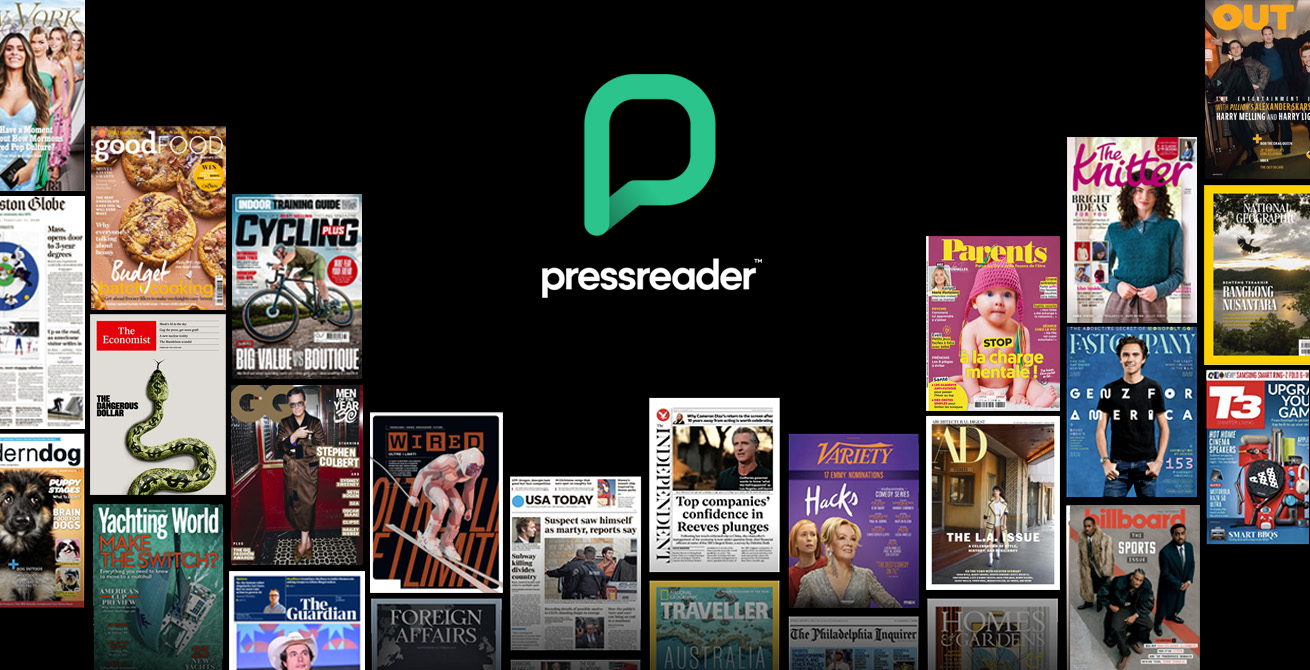
Looking for a simple way to stay informed without juggling dozens of individual subscriptions? Your Los Angeles Public Library can help! PressReader is a premier digital platform offering over 7,000 newspapers and magazines from 120+ countries in more than 60 languages. Whether you're catching up on local headlines, diving into global perspectives, or browsing lifestyle magazines, PressReader puts it all in one convenient place—and you can gain full complimentary access with your library card.
Key Benefits
- Full-Color, Full-Format Issues: Read publications exactly as they appear in print, not just as text feeds.
- Same-Day Editions: Access major titles like The New York Times and The Guardian the moment they hit the stands.
- Global Reach: Explore international publications from Mexico, Spain, China, India, France, and beyond.
- Read Anywhere: Use PressReader on your phone, tablet, or computer. You can even download issues for offline reading.
- No Paywalls, Ever: Enjoy unlimited, high-quality journalism without the subscription fees.
Daily Interactive Puzzles
Just like a traditional newspaper, PressReader features a daily puzzle page—a perfect ritual for you to unwind. PressReader offers 10 classic, interactive games provided by the same premium sources that serve The Guardian and USA Today.
Features include Sudoku (three difficulty levels), Crosswords, Wordsearches, and Codewords, complete with built-in hints, timers, and solution checks.
Advanced Features
- PressReader is more than just a reading platform; it’s a discovery tool that allows you to:
- Listen to audio versions of select articles for hands-free consumption.
- Create custom topic feeds (e.g., "Global Politics" or "Travel Deals").
- Bookmark articles to build your own personal reading archive.
- Search for specific articles, topics, or back issues by date.
- Translate articles into over 20 languages.
Getting Started
- Visit PressReader, click sign in, and select the "Library or Group" option.
- Select "Los Angeles Public Library" and sign in with your library card number and PIN.
- Finish creating an account that can be used on the app or select "No, thanks" to proceed without an account.
- Sign in to your account every few days to keep your app account active.
- Download the app for Apple iOS or Android to use PressReader on your mobile device.
- On the app, you can download newspapers for offline reading without subscribing.